
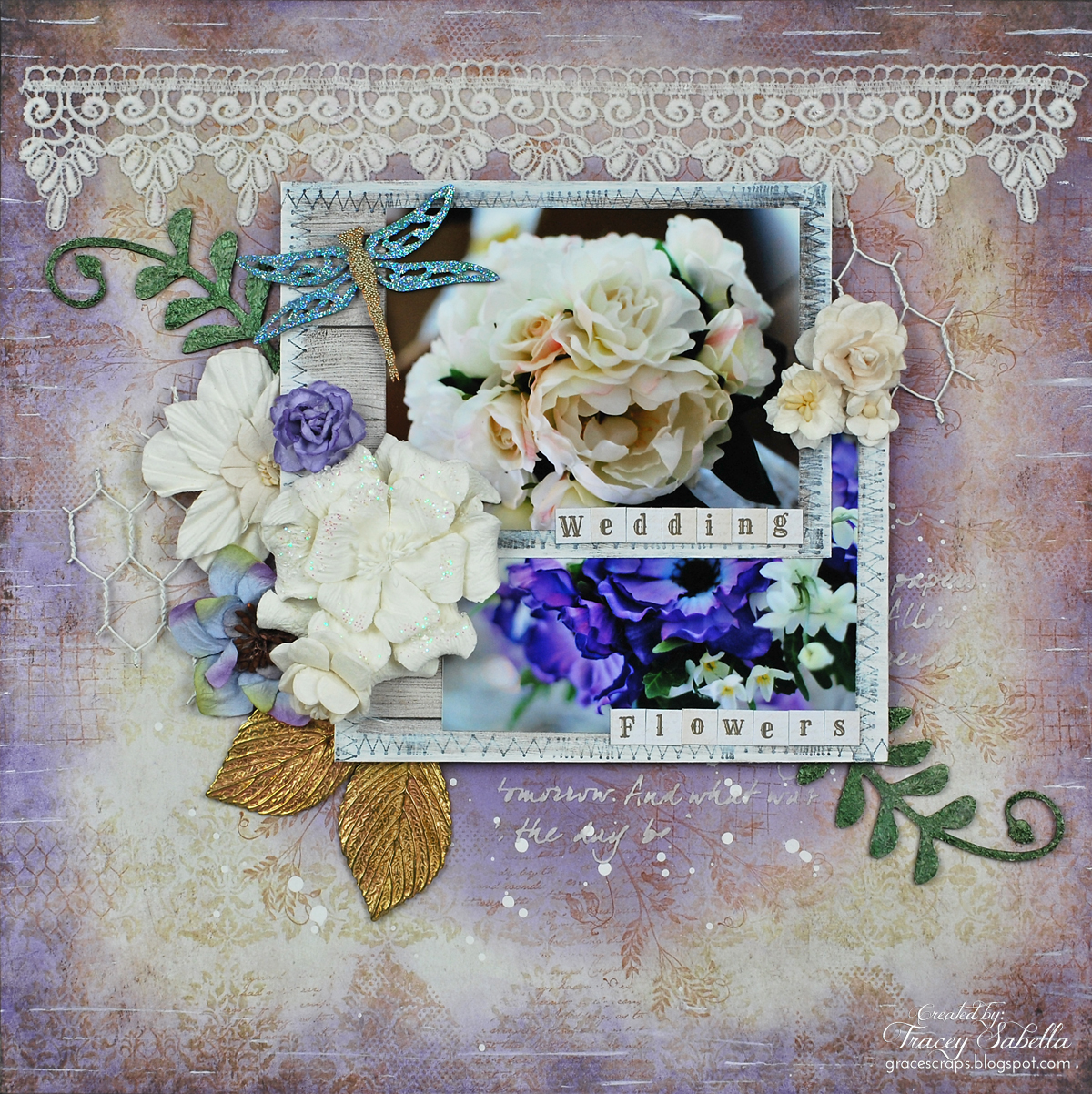
Hi everyone! It's Tracey here to share a mixed media layout featuring Helmar Zapdots.
I'm a longtime crafter, so when our daughter, Elizabeth, asked me to create the bouquets for her and her bridesmaids, I embraced the challenge. We shopped for the flowers together, then I put them together. The photographer captured them so beautifully.
One of the things I enjoy doing on my layouts is to raise the photos using Helmar Zapdots so that I can tuck flowers and other elements under them. Check out the details below.
"Wedding Flowers"
Tips and Techniques

When I raise my photos I start by placing three or four – 1/2 inch Helmar Zapdots down the center of my photo(s). That leaves the edges free to tuck flowers, chipboard, and other elements underneath. As you can see here when I'm done, the edges are often uneven and lower where I haven't tucked items.

You can see here where the Helmar Zapdots are placed under the center of the photo leaving the edges free.

For a final touch, I place more Helmar Zapdots around the photo edges where needed. I peel off a Zapdot and place it on the end of a Helmar Paint/Glue Spreader.

Finally, I place these additional Zapdots around the edge of the photo(s). Because the Glue Spreader is slick, the Zapdot slips off into place.
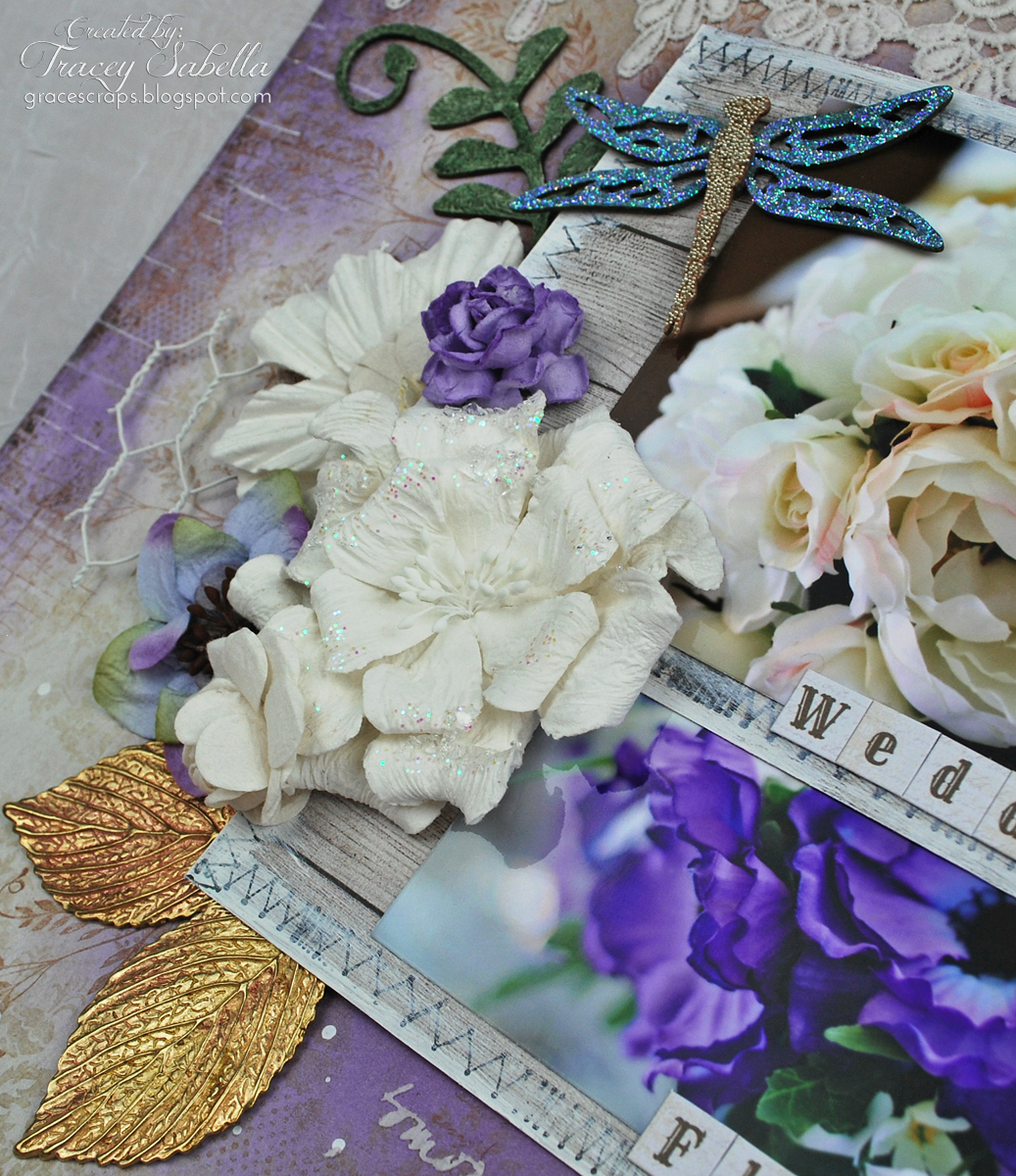
The flowers, chicken wire and metal leaves are adhered to the mixed media background with Helmar 450 Quick Dry Adhesive.

As you can see here the flowers are positioned on different levels and layers. To place them properly I've used Liquid Scrap Dots to arrange them where needed.

Here's a shot of the smaller cluster. The purple on the background was created with Pan Pastels and spritzed with Helmar Crystal Kote Fixative spray.
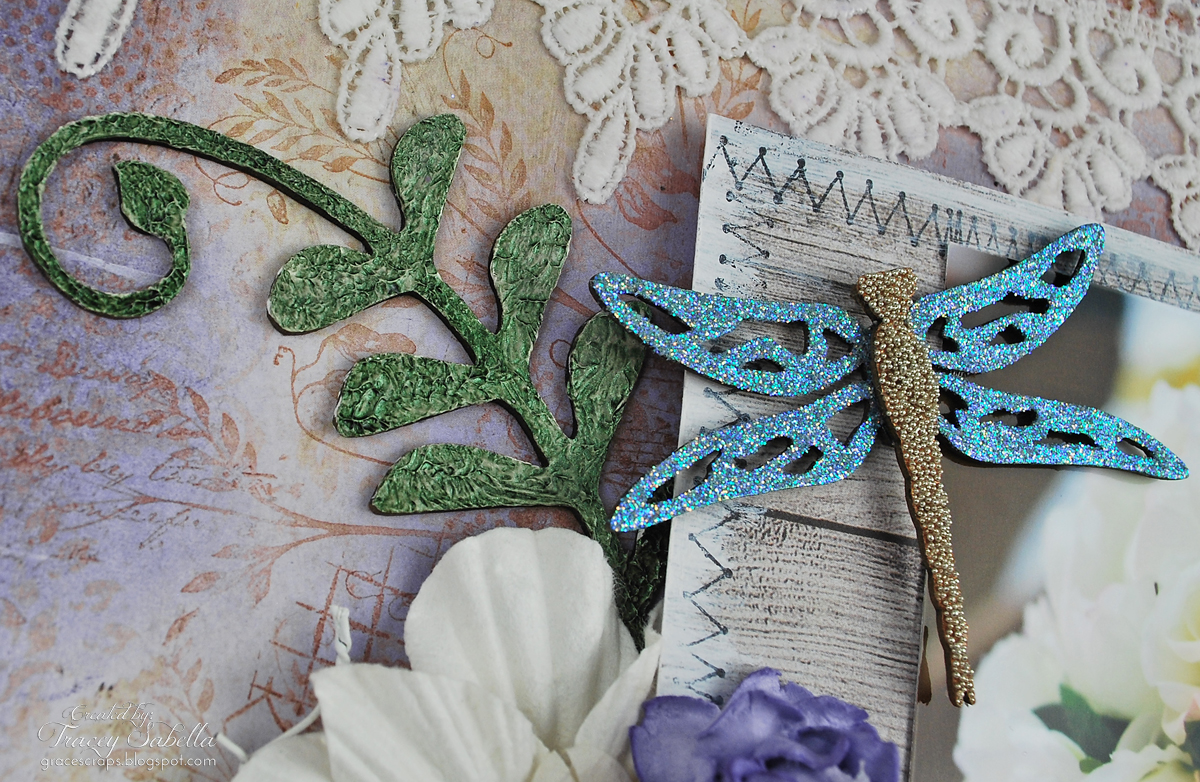
These chipboard pieces are also adhered with Helmar 450 Quick Dry Adhesive. When adhering paper to paper such as the photos to the mats, I use Helmar Premium Craft Glue.
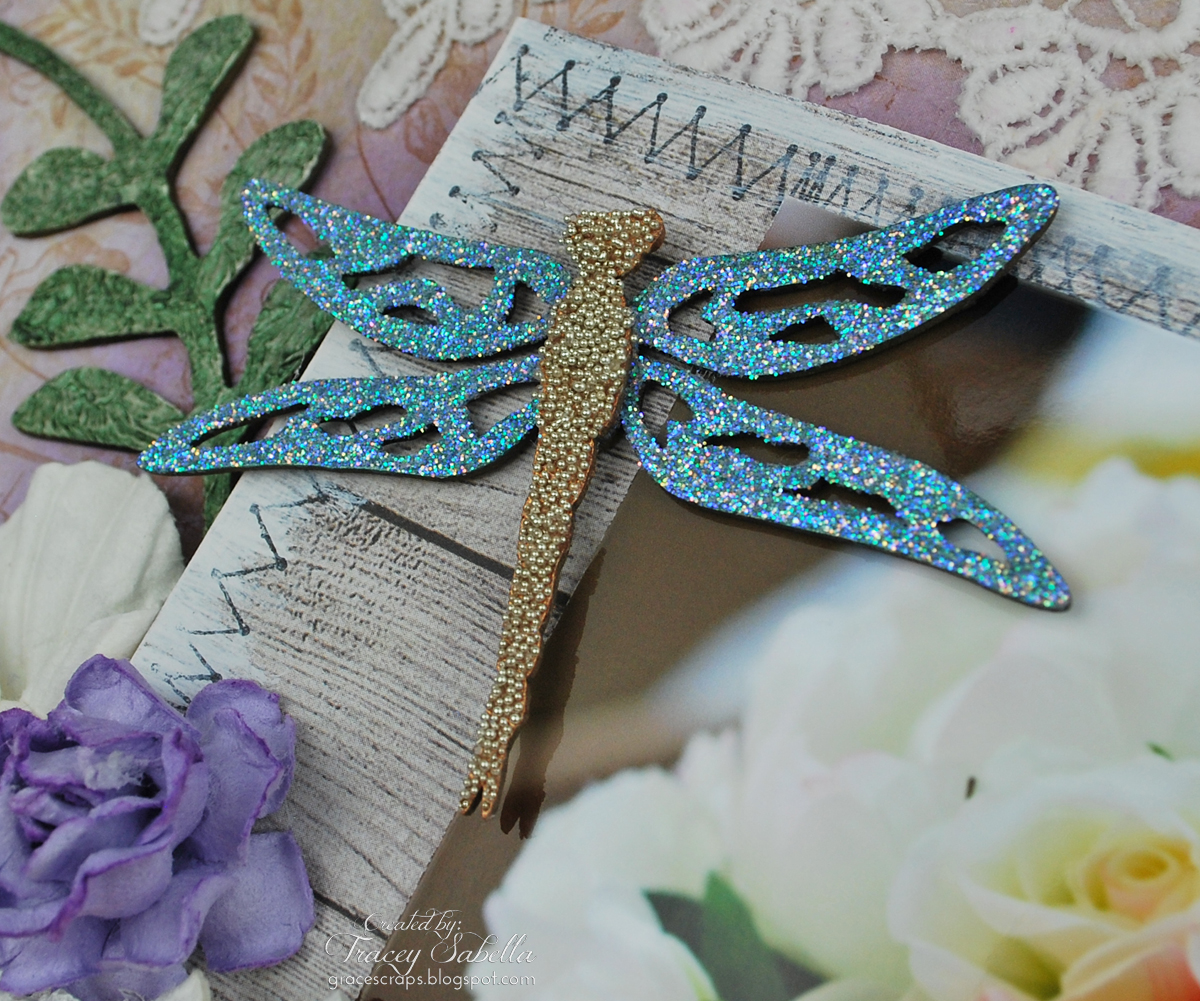
You can see here how raising the photos allows me to tuck flowers and chipboard elements under the photos.
I hope you hope you've been inspired to pull out your Helmar products to create a layout.
Helmar Products
~ Blessings ~


